
Organize the video files on your Mac
GRFR is an app for organizing and searching the video files you keep on your Mac.
Add metadata such as titles, cast, and tags,
then revisit your favorites again and again, or enjoy your collection as a wall of thumbnails.
Requires macOS 26 or laterFree, with in-app purchases
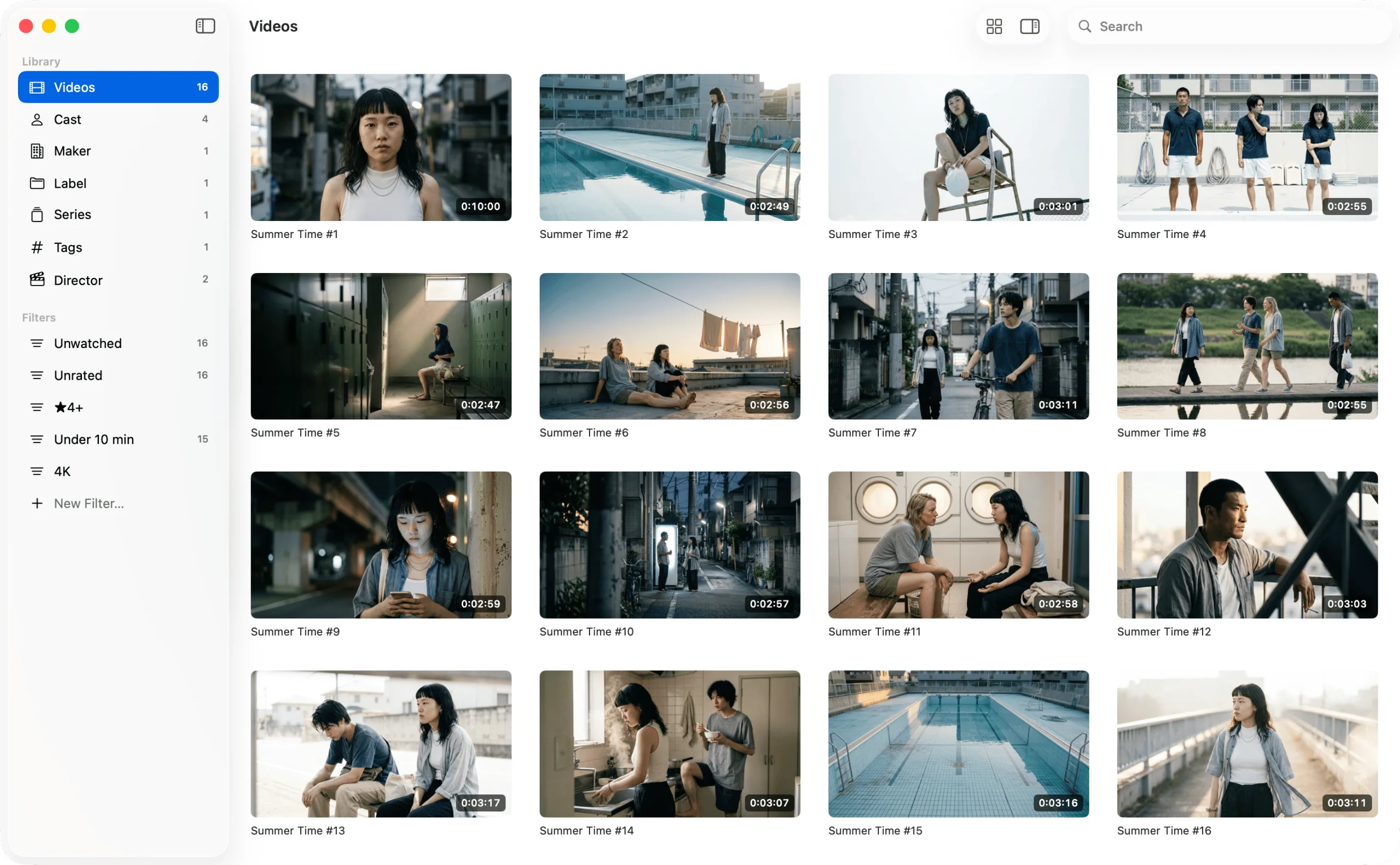
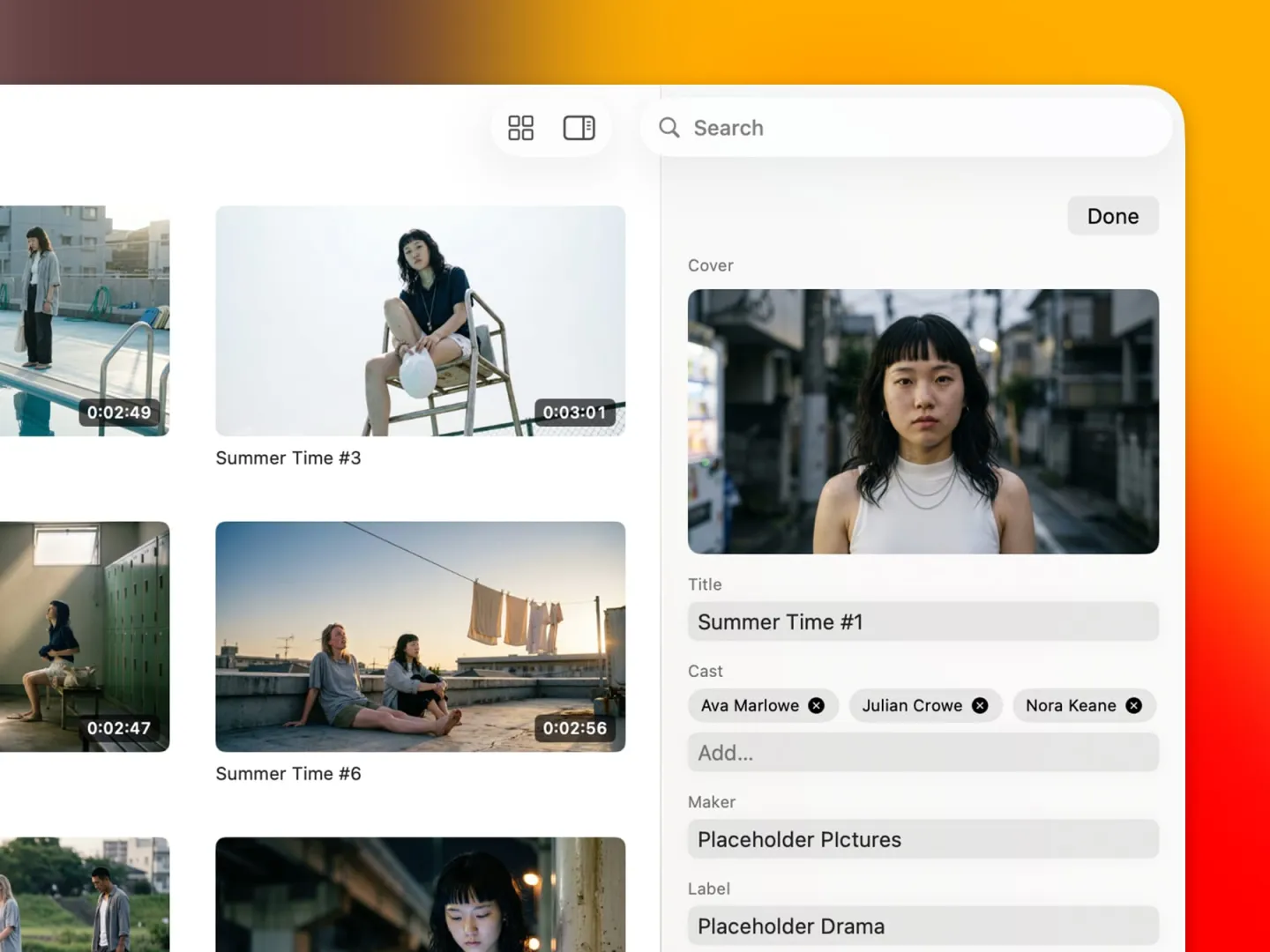
Filter by tags, cast, and more
Manage your video metadata with a native macOS feel, while your video files stay exactly as they are. Narrow things down by tags, cast, and any other field, and find what you want right away. There's no account to sign up for, and nothing you enter is ever sent anywhere.
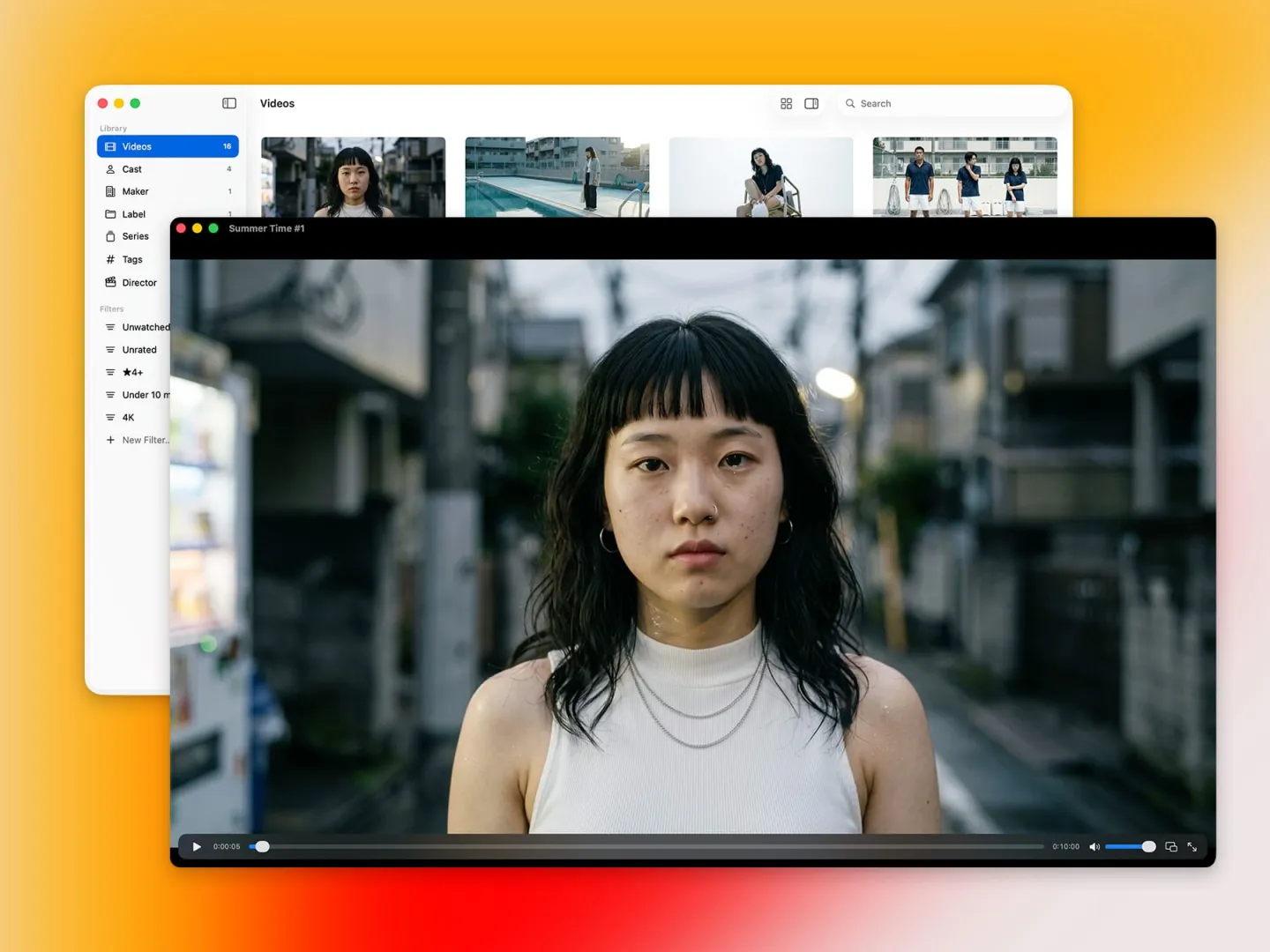
A quick look, then play
Hover over a thumbnail and move left or right to preview what's inside, right where it sits. Videos play inside the app and pick up where you left off. And of course, you can hand them off to the player you already use.
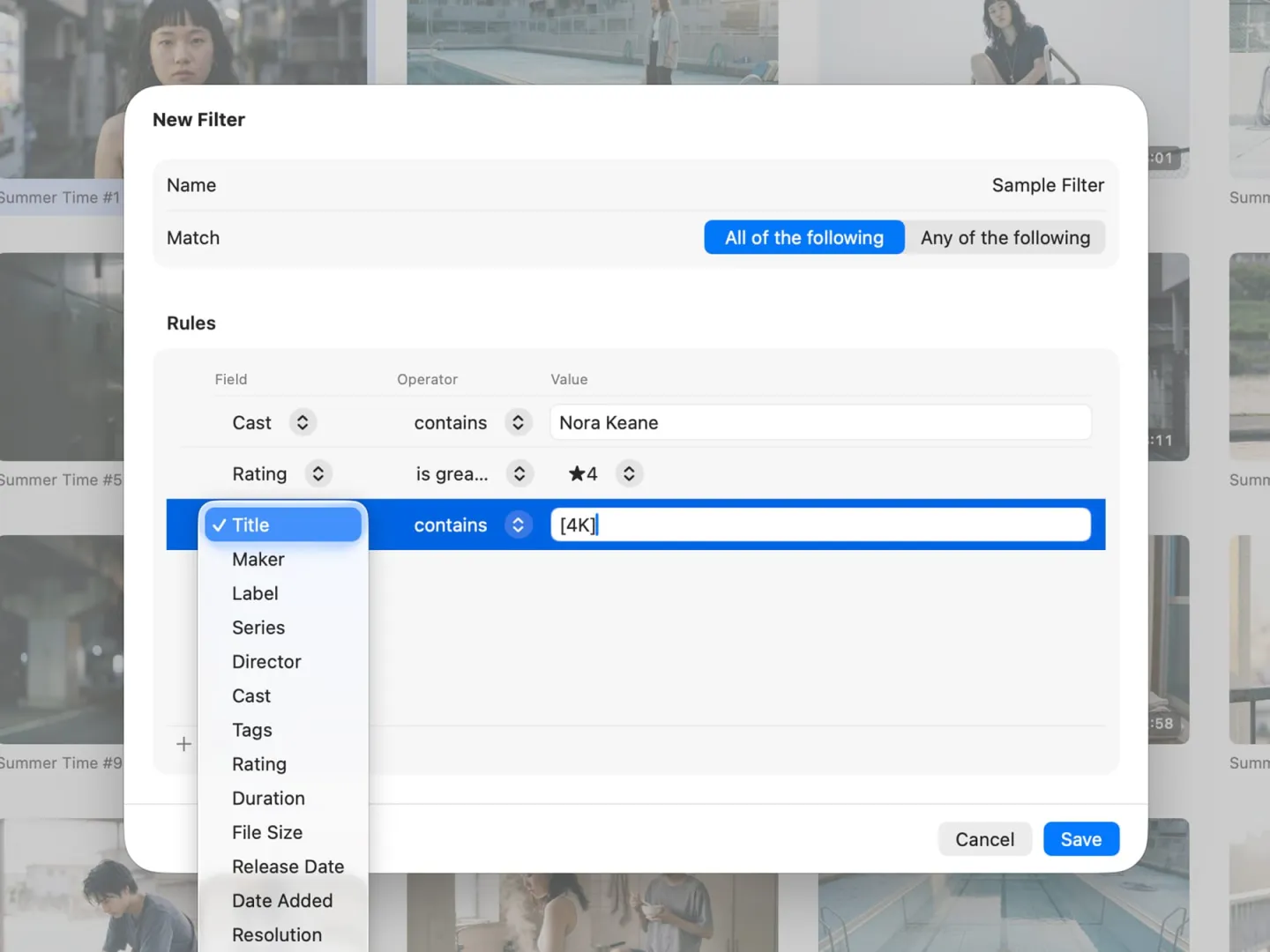
Make it yours
Search by keyword, or save filters such as "Unwatched", "Under 10 min", and "4K", then open them anytime from the sidebar. Metadata fields can be renamed and reordered, and you can add fields of your own.
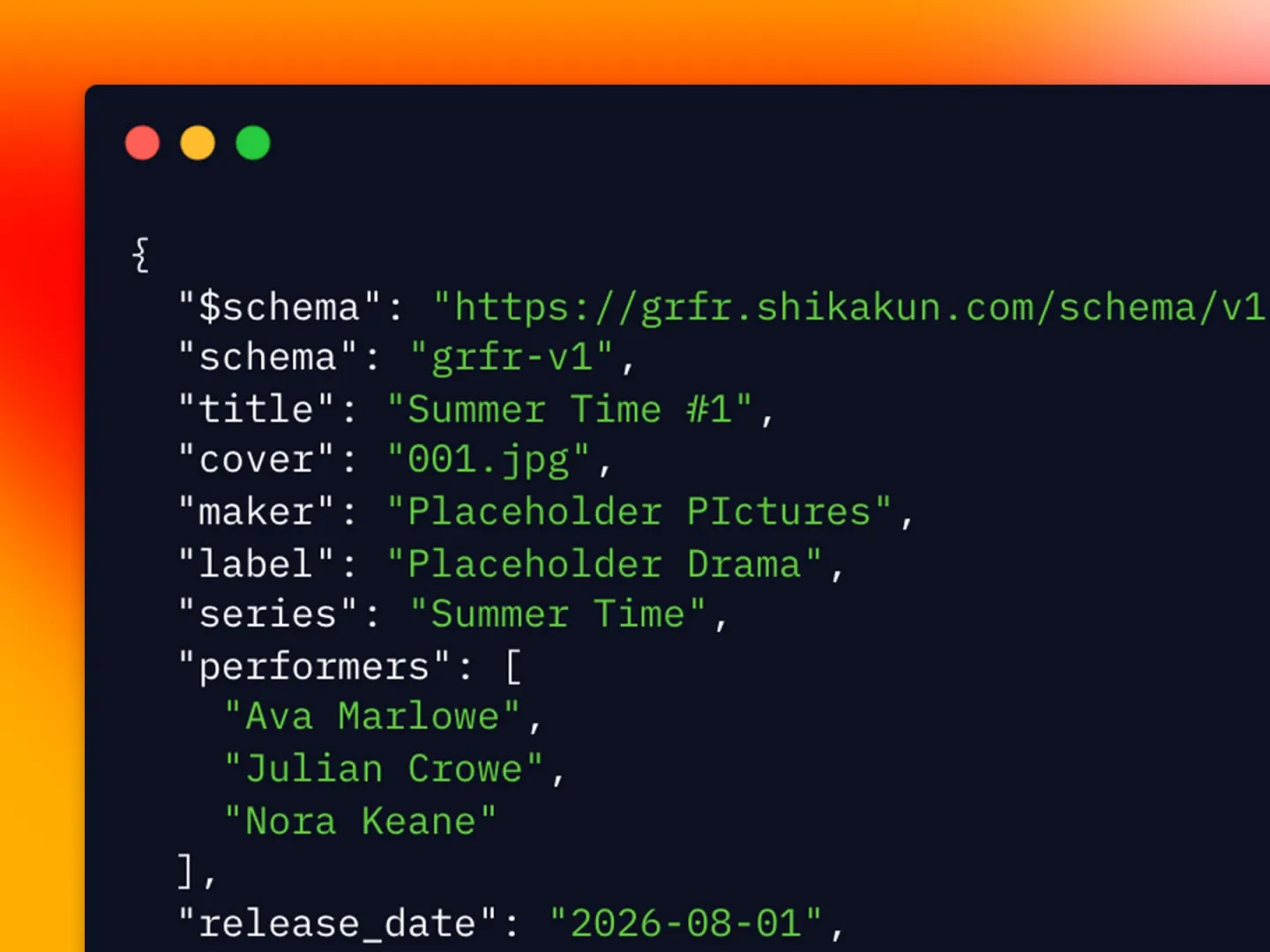
Metadata as JSON files
The metadata you enter is saved as a plain text file in the same folder as the video. JSON is easy for people to read and easy for AI to write, so you can edit it directly in any text editor — and even if you stop using GRFR one day, the metadata stays with you as something you own.